Sports Zen
Project Overview
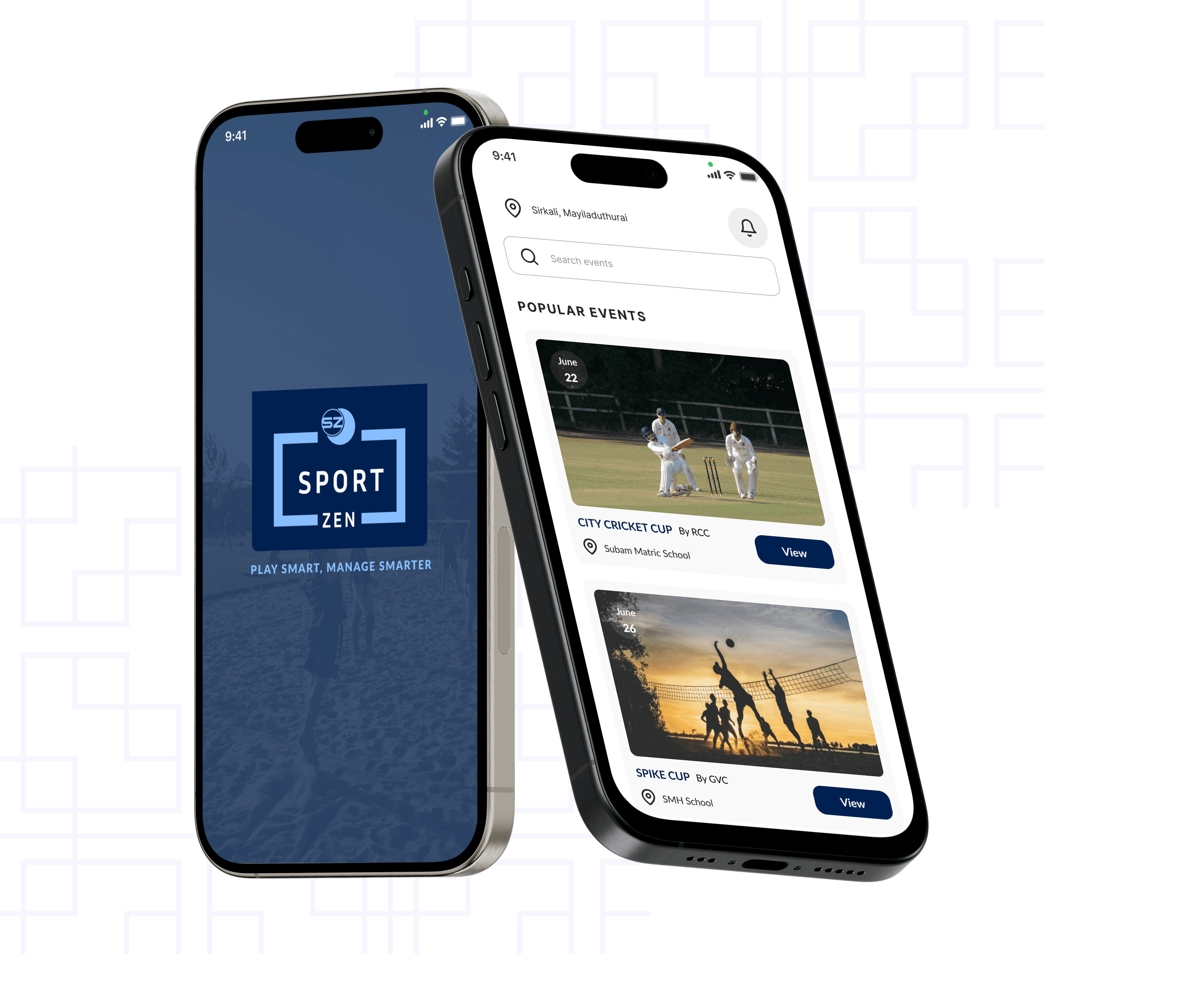
The Sports Event Management App is a comprehensive platform designed to simplify the organization and execution of sports events, whether for schools, colleges, amateur leagues, or professional tournaments. It provides a one-stop solution for managing every aspect of a sports event. With an intuitive user interface and powerful backend features, the app ensures a seamless experience for organizers, participants.
Problem Statement
Managing sports events often involves inefficiencies in scheduling, registration, and coordination, leading to errors and communication gaps. Participants lack real-time updates, and spectators face limited engagement options like online ticket booking or live updates. These challenges result in reduced participation, lower audience satisfaction, and operational inefficiencies, underscoring the need for a streamlined event management solution.
User Research
For this app, I led a focused user research phase—combining interviews, surveys, and usability testing—to clearly understand how users interact with sports events. This approach revealed common frustrations with check‑in delays, schedule changes, and navigation issues. These insights directly informed intuitive, user-centric flows that reduce friction, enhance adoption, and support data-driven design decisions that steer development efficiently.
Qualitative Research
Key Insights from Organizers After
Conducting User Interviews
Manual handling of registrations, scheduling, and logistics takes significant time and effort, leading to delays and errors.
Lack of automation in generating match brackets and schedules causes inefficiencies.
Difficulty in keeping participants and spectators informed about updates, such as schedule changes or venue details.
Need for centralized communication tools to send real-time notifications and announcements.
Tracking participant details, payments, and eligibility is cumbersome, especially for large events.
Organizers desire a system to verify and manage participant credentials efficiently.


Key Insights from Participants After
Conducting User Interviews
Participants value a simple and quick registration process, with fewer steps and clear instructions.
The ability to register individually or as a team with easy access to necessary forms and documents is highly appreciated.
Participants want to be notified instantly about any changes in the schedule, venue, or match timings.
A lack of clear, up-to-date event details often causes confusion.
Participants are interested in tracking their own performance, match statistics, and rankings throughout the event.
Participants want easy, secure payment options for registration fees and other event-related purchases, with the ability to track receipts and invoices.
User Pain Points
Inefficient communication with participants to missed updates or confusion.
Difficulties in navigating the registration process, entering information, or making payments.
Difficulty in scheduling events, managing venue availability, and resolving conflicts.
Insufficient details about the event, schedule changes, or venue information.
Difficulty in accessing help or support for resolving issues.
competitive analysis






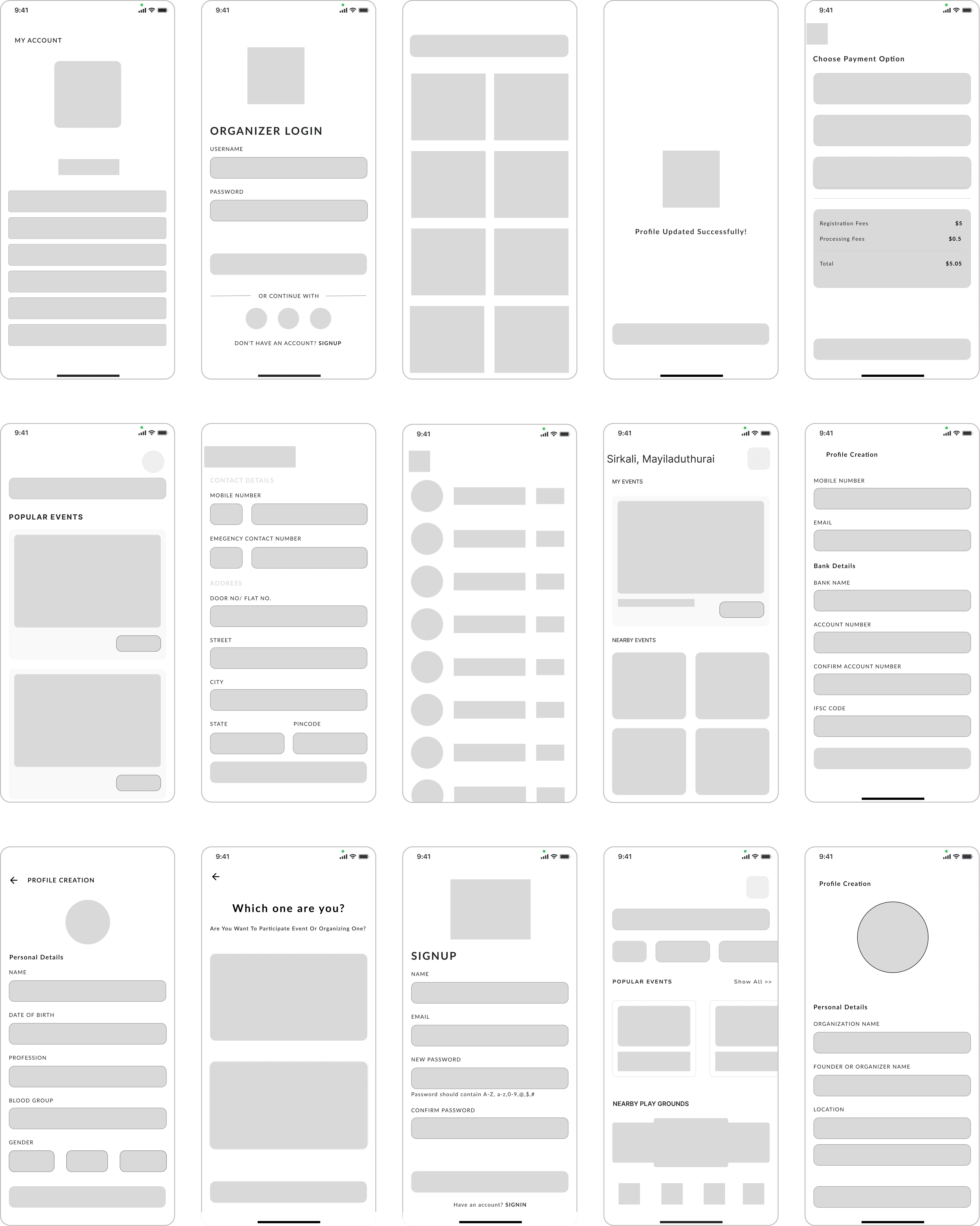
High-fidelity wireframes
UI Screens
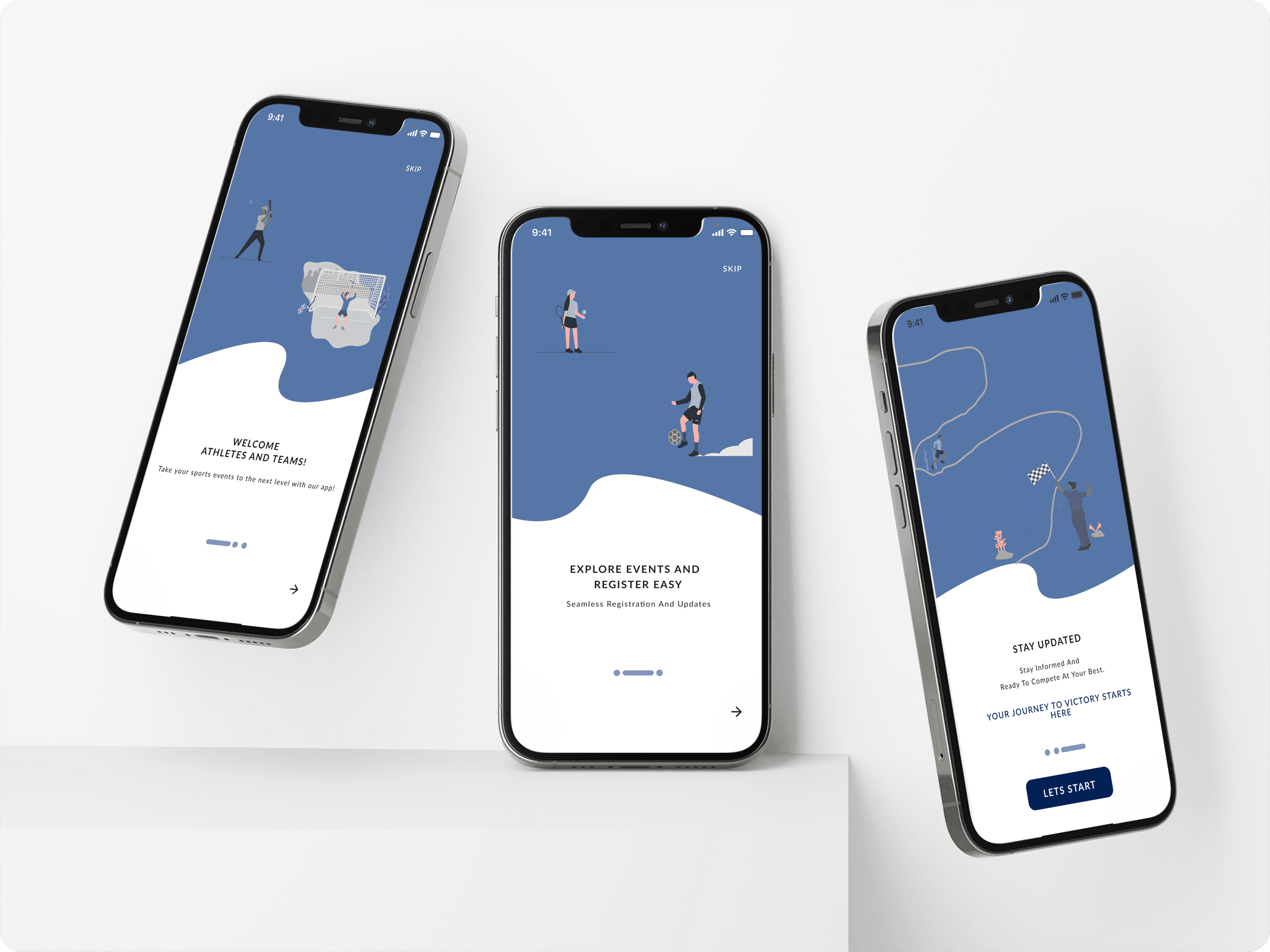
Onboarding Screens
An onboarding screen is designed to welcome and orient new users when they first start using the platform.
Login and Signup Screens
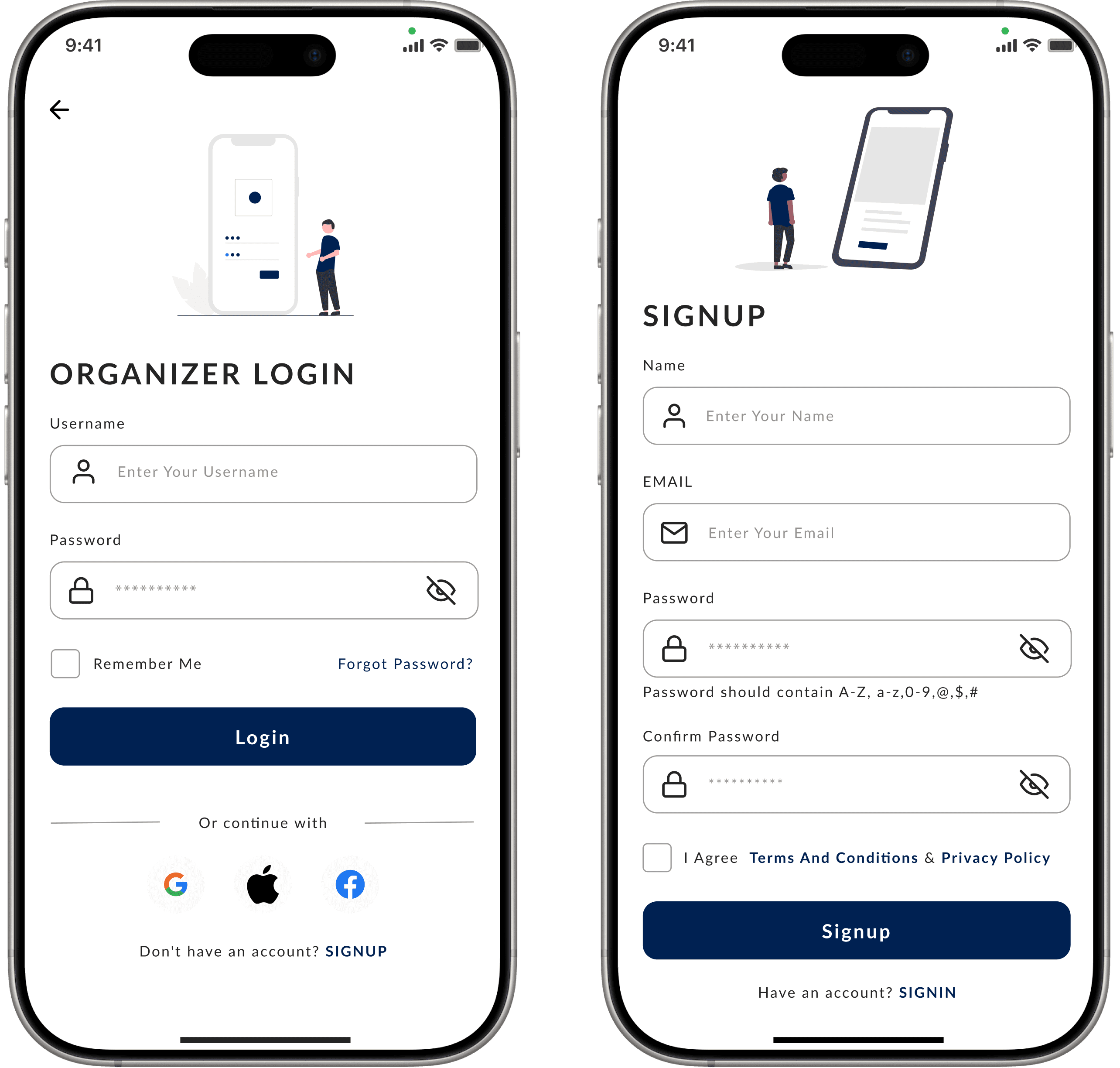
The login screen is designed to provide users with a seamless and secure entry point into the application. With a clean, minimal layout, it prioritizes usability and accessibility, offering fields for username/email, password, and options for account recovery or social media logins.
Organizer Home Screens
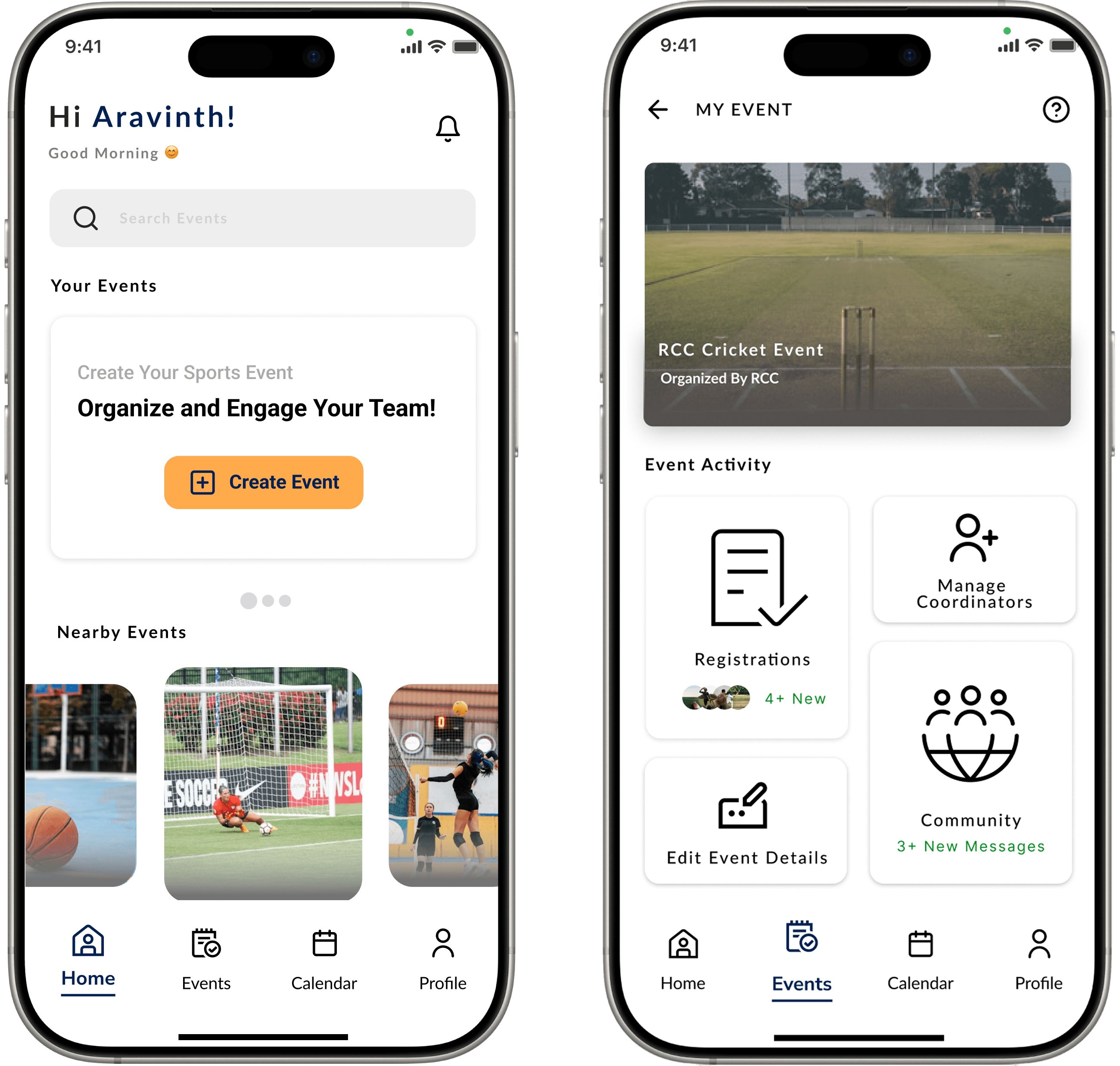
Home screen will help you to know about the events happening nearby you and the next one will help you to know about the details of a event and lead you to whether register or not.
Subscription Screens
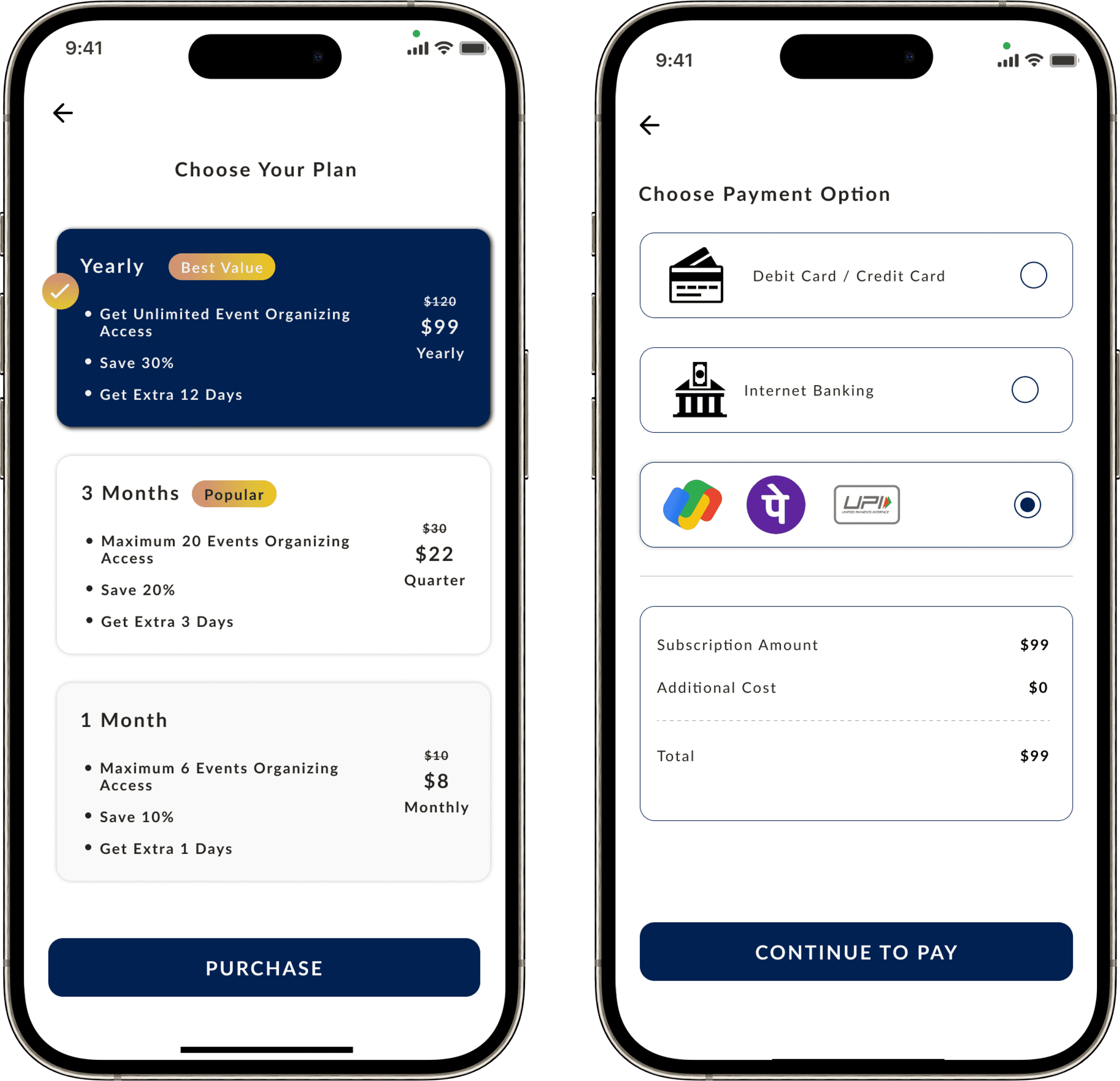
The Subscription page is designed to provide users with a clear and straightforward way to explore, select, and manage their subscription plans.
Organizer Event Create screens
Organizer Profile screens
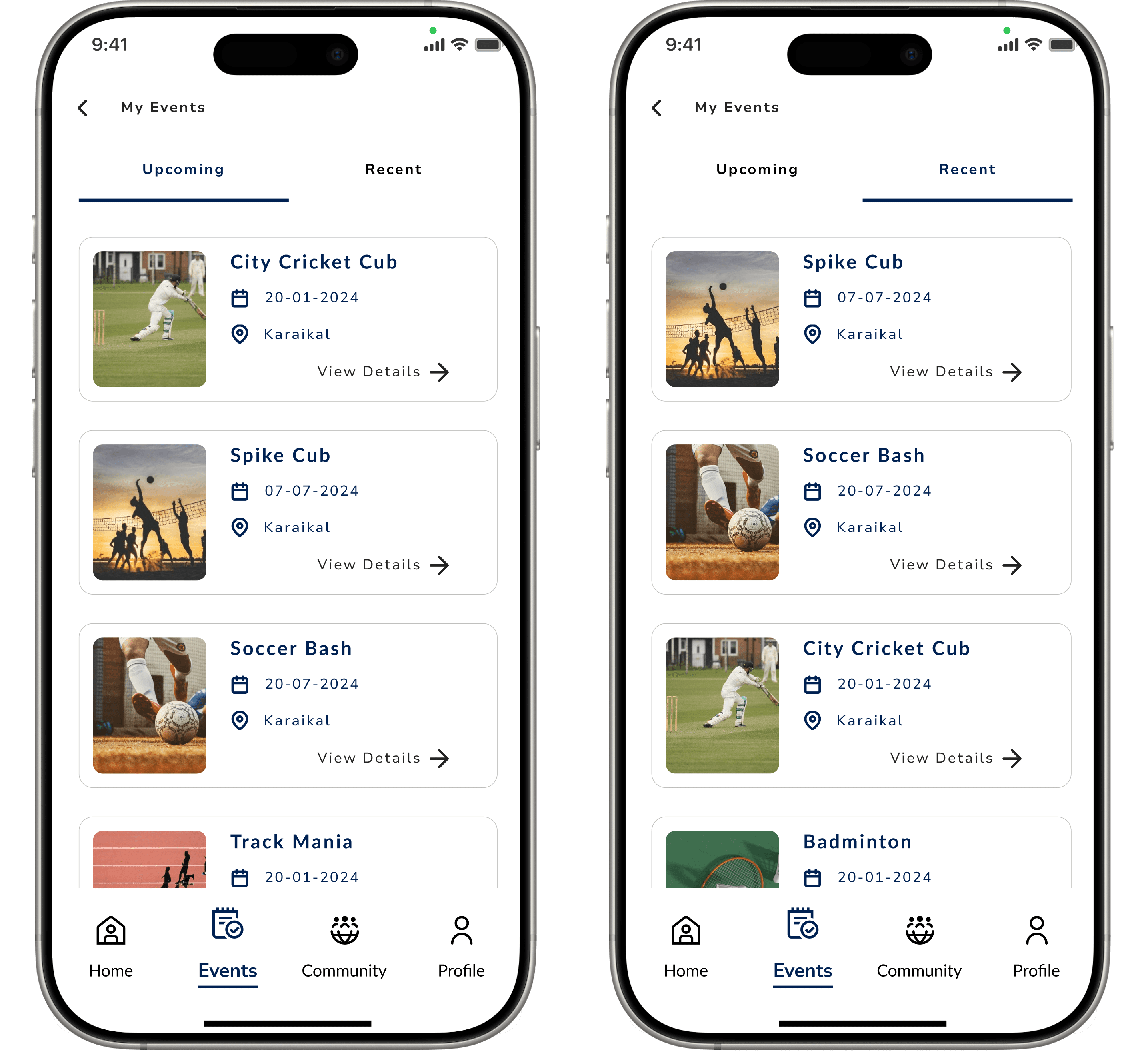
Participants My Event Screens
The My Events screen provides users with an organized, personalized view of their upcoming and past events. Featuring clear filtering options, event details, and intuitive navigation, users can easily track their schedules, manage RSVPs, and access event resources.
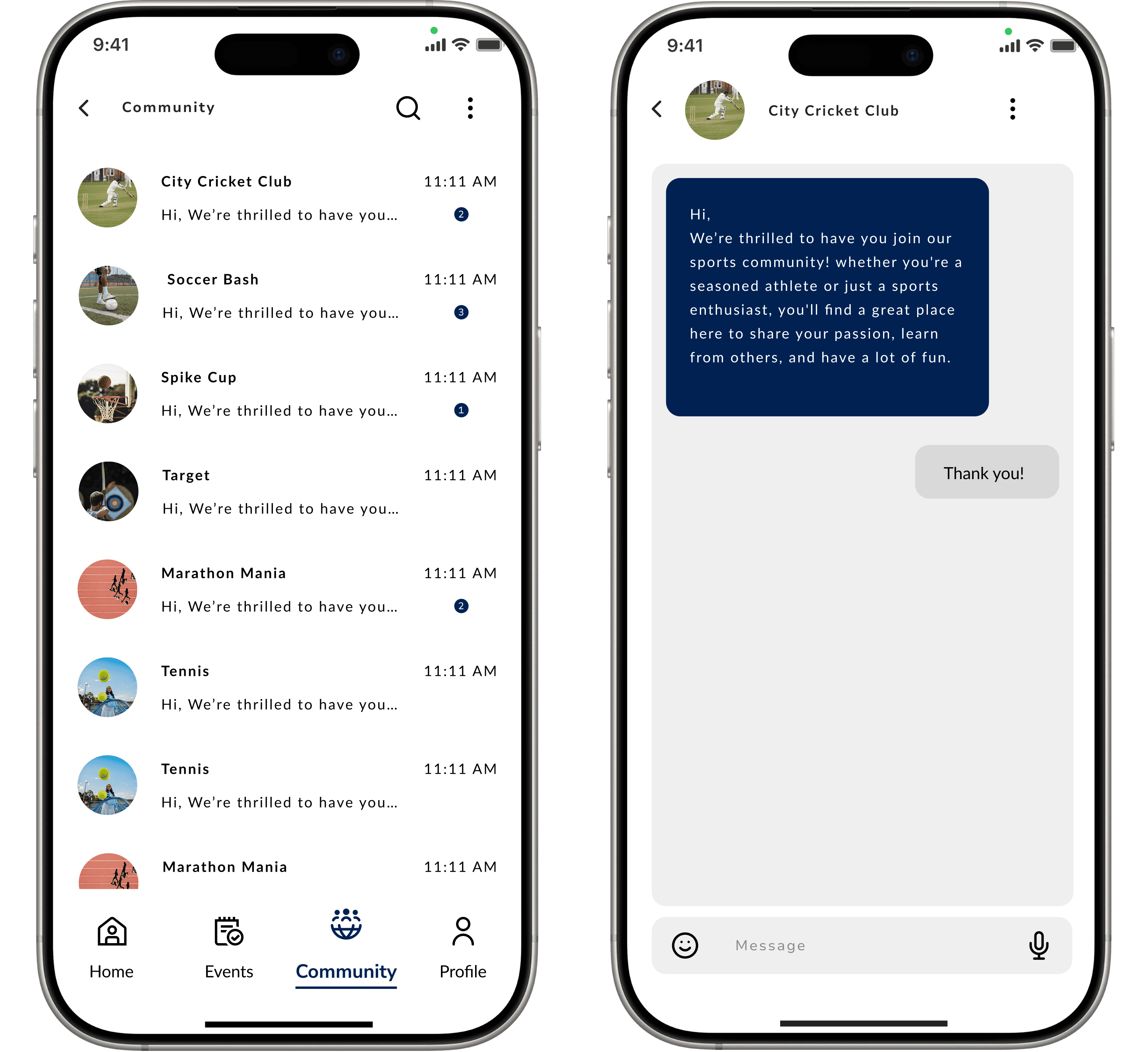
Participants Community Screens
The Community screen is designed to foster engagement and connection among users, offering a centralized space to share content, join discussions, and participate in group activities.
Participant Event Registration screens
I truly appreciate your time and attention to this case study. I hope the insights and takeaways resonated with you and sparked ideas for your own projects.